Integrations
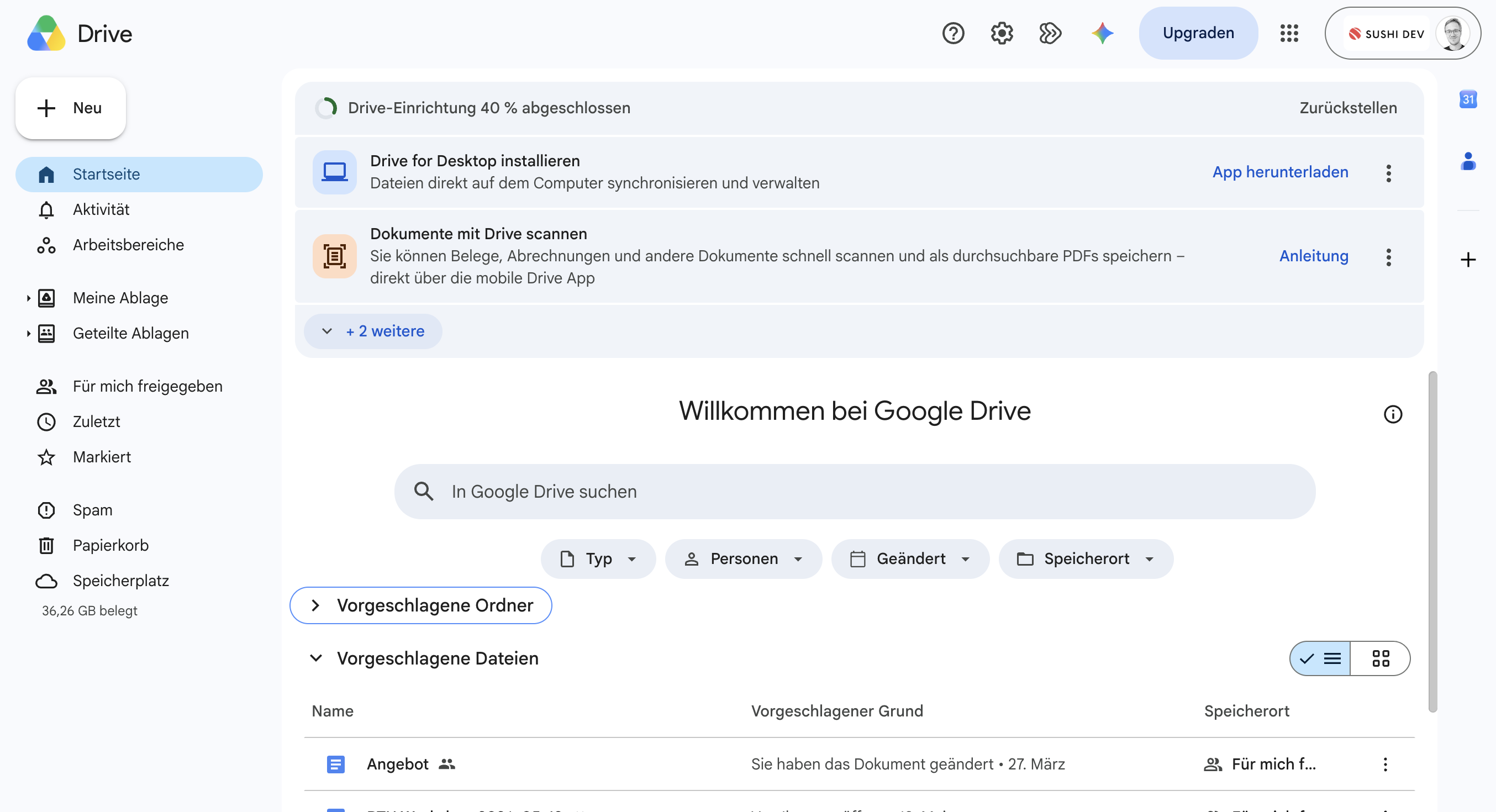
Google Drive
Pick files from Google Drive and pull them straight into the document.
How it works
Connect your Google Drive and pick files straight from your drive, instead of downloading and re-uploading them first. Nori fetches the selected file and adds it to your document.
Depending on the file type, the content is pulled into your template or embedded as an attachment. Documents and sheets flow into your branding, PDFs are cleanly appended.
To connect, you sign in once with your Google account and grant Nori access. After that your drive is available in the source picker.
Ready to connect it?
Get started